Upload. Review. Publish. Like Magic.

Turn Your Business Material Into a Website with Creator Magic

Upload your visiting card, brochure, catalogue, menu, service list, handwritten note or business profile. Creator helps convert your existing business information into a modern, editable website.

🚀 Launch Anytime 📤 Upload Business Material ✏️ Edit Anytime 🔄 Upgrade Without Data Loss

No Developer Dependency • No Waiting • No Rebuilding Cost • No Data Loss

Choose How You Want to Create

Start with upload now. Other smart creation methods will use the same Creator engine.

Recommended
Upload Business Material

Upload card, brochure, catalogue, menu, service list or handwritten note.

Upload & Create
Quick
Quick Start

Enter basic business details and generate a structured website.

Start Manually
Coming Soon
Smart Builder

Answer guided questions and let AI prepare content and structure.

Coming Soon
Coming Soon
Improve Reference

Share a reference website and create an improved editable version.

Coming Soon

Upload Business Material

Creator reads your existing business material and prepares useful website content.

Visiting Card
Business name, phone, email, address
Brochure / Catalogue
Services, products, specialities, pricing
Handwritten Notes
Rough information can become structured content
Website Preview

Your Website Starts from Real Business Data

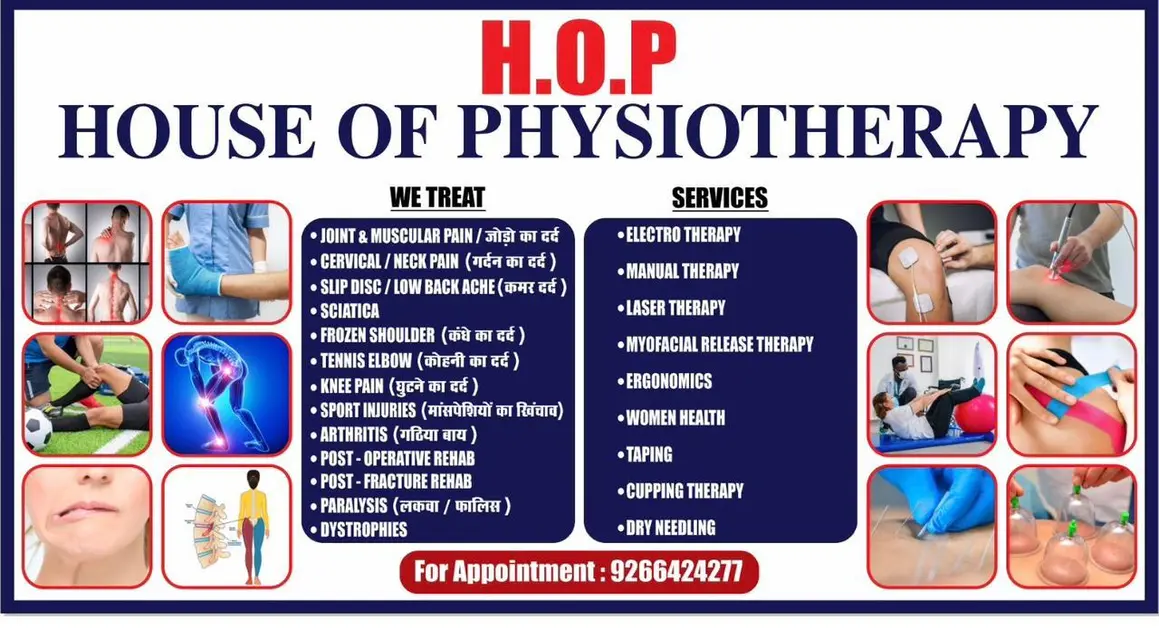
Whether it is a doctor’s speciality list, restaurant menu, salon package, school brochure, real estate catalogue or manufacturer product sheet — Creator converts it into clean sections.

Hero + About
Clear introduction and business positioning.
Services / Items
Services, products, menu, packages, treatments.
Enquiry Ready
Call, WhatsApp and enquiry form built in.
Update Anytime
Change content without developer dependency.

Why Creator is Different

Creator is not just a website builder. It is a business website automation system designed to create, update and upgrade websites without rebuilding.

Upload First

Use visiting cards, brochures, catalogues, menus, notes and PDFs.

Creator Magic

Convert scattered business data into meaningful website sections.

Editable Control

Review, correct and update content anytime after creation.

No Layout Breaking

Controlled sections keep websites professional and consistent.

How Upload Magic Works

Keep the system simple first: upload material, review details, then generate the website.

1
Upload Files

Upload visiting card, brochure, menu, catalogue, PDF or images.

2
Review Data

Check business name, contact, services, products and content.

3
Generate Website

Creator builds clean sections like Hero, About, Services and Contact.

4
Publish & Update

Go live on Creator URL and update details anytime.

Build Once. Update Anytime. Upgrade Without Rebuilding.

Your data stays safe. Your design can improve. Your website grows with your business.

Change Layout Anytime

Switch design style later without losing content.

Keep Your Data

Business info, services and enquiries remain structured.

Go Live Fast

Publish quickly and improve continuously.