How to Personalize Your Business Website to Build a Strong Brand
Learn how to personalize your business website with your logo, brand colours, photos, content, and service information to create a professional online identity and build customer trust.
How to Personalize Your Business Website to Build a Strong Brand
Your website is more than a place to display your business information. It represents your brand, communicates your values, and helps potential customers understand what makes your business different.
When visitors arrive at your website, they should quickly recognize your business, understand your offerings, and find the information they need. A personalized website helps create this consistent experience.
Whether you own a small business, manage a startup, or operate an established company, customizing your website is an important step toward building a recognizable online presence.
In this article, we will explore practical ways to personalize your business website and create a stronger brand identity.
1. Start with a Clear Brand Identity
Before designing your website, define the identity you want your business to communicate.
Consider these essential elements:
Business name and logo
Primary and secondary brand colours
Typography and font styles
Brand message and tagline
Tone of communication
Target audience
For example, a technology company may prefer a modern, clean design, while a luxury travel brand may use elegant typography and destination photography.
Your website design should reflect your business personality while remaining easy to use.
2. Use Your Business Logo Consistently
Your logo helps customers recognize your brand across different platforms.
Place your logo in a suitable position, usually in the website header, and ensure it is clear on both desktop and mobile screens.
Use a high-quality logo file and choose a version that works well against your website background. Avoid stretching the logo or placing it over a busy image that makes it difficult to see.
Consistency between your website, social media profiles, advertisements, and business documents helps create a more unified brand identity.
3. Choose the Right Colours and Fonts
Colours and typography influence how visitors perceive your business.
Choose a small, consistent colour palette rather than using too many unrelated colours. Your primary colour can represent your brand, while secondary colours can highlight buttons, headings, and important sections.
Select fonts that are readable across devices. Use heading styles to create a clear visual hierarchy and help visitors scan your content.
For a professional result, keep the following elements consistent:
Heading and body font styles
Button colours and shapes
Background colours
Section spacing
Link and icon styles
A consistent design makes your website feel organized and professional.
4. Add Relevant Business Photos and Images
Images can help visitors understand your products, services, team, and working environment.
Instead of relying entirely on generic stock images, consider using relevant photographs from your own business wherever appropriate.
Examples include:
Product photographs for an online business
Team photographs for a service company
Project images for a construction or design firm
Destination photographs for a travel agency
Office or facility images for a professional organization
Use clear, high-quality images and make sure you have permission to use them.
Optimize image sizes to help your website load efficiently. Add descriptive alternative text to meaningful images so that their purpose can be understood by users of assistive technologies and search engines.
5. Write Content That Reflects Your Business
Your website content should communicate your brand's personality and explain how you help customers.
Avoid using vague statements that could describe almost any company. Instead, explain your services, your process, and the value you provide.
For example, rather than simply writing, “We offer digital solutions,” describe the specific services your company provides and the problems those services help solve.
Your website content may include:
A clear homepage introduction
A detailed About Us section
Individual service descriptions
Frequently asked questions
Customer testimonials, where available
Contact information and business hours
Use straightforward language that your target audience can easily understand.
6. Personalize Your Homepage for Your Target Audience
Your homepage should address the needs of the people you want to reach.
Think about your ideal customers. What are they looking for? What problems do they need to solve? What information would help them choose your business?
For example, a website for a software company may highlight business automation, CRM solutions, and software development. A travel company may emphasize destinations, holiday packages, and travel enquiries.
Prioritize the most relevant services and information for your audience.
A focused homepage can help visitors understand your business without having to explore every page.
7. Create Consistent Service Pages
Each service page should follow a consistent structure while providing information specific to that service.
A useful service page can include:
Service name and introduction
Customer problems the service addresses
Key features or benefits
Your process or approach
Frequently asked questions
A relevant call to action
For example, if your business provides website development, CRM software, and AI automation, create separate pages explaining each service instead of combining everything into one long page.
This approach improves navigation and gives visitors a clearer understanding of your offerings.
8. Make Your Website Easy to Navigate
A personalized website should not sacrifice usability for visual appeal.
Visitors should be able to find essential information quickly. Use clear navigation labels and organize related pages into logical categories.
Keep your contact details accessible and ensure buttons and links work properly.
Also, review your website on smartphones, tablets, and desktop computers. A responsive layout helps your brand deliver a consistent experience across different devices.
9. Maintain Brand Consistency Across All Channels
Your website should look and sound like the same business customers encounter on social media, in advertisements, and in other communications.
Use consistent brand colours, logo placement, business descriptions, and contact information across your digital channels.
For example, if a customer clicks an advertisement and arrives at your website, the landing page should clearly relate to the message and offer presented in the advertisement.
This consistency can reduce confusion and reinforce brand recognition.
10. Use EnquiryGate Creator to Plan Your Website
Creating a personalized website becomes easier when you prepare your business information and understand your design requirements before getting started.
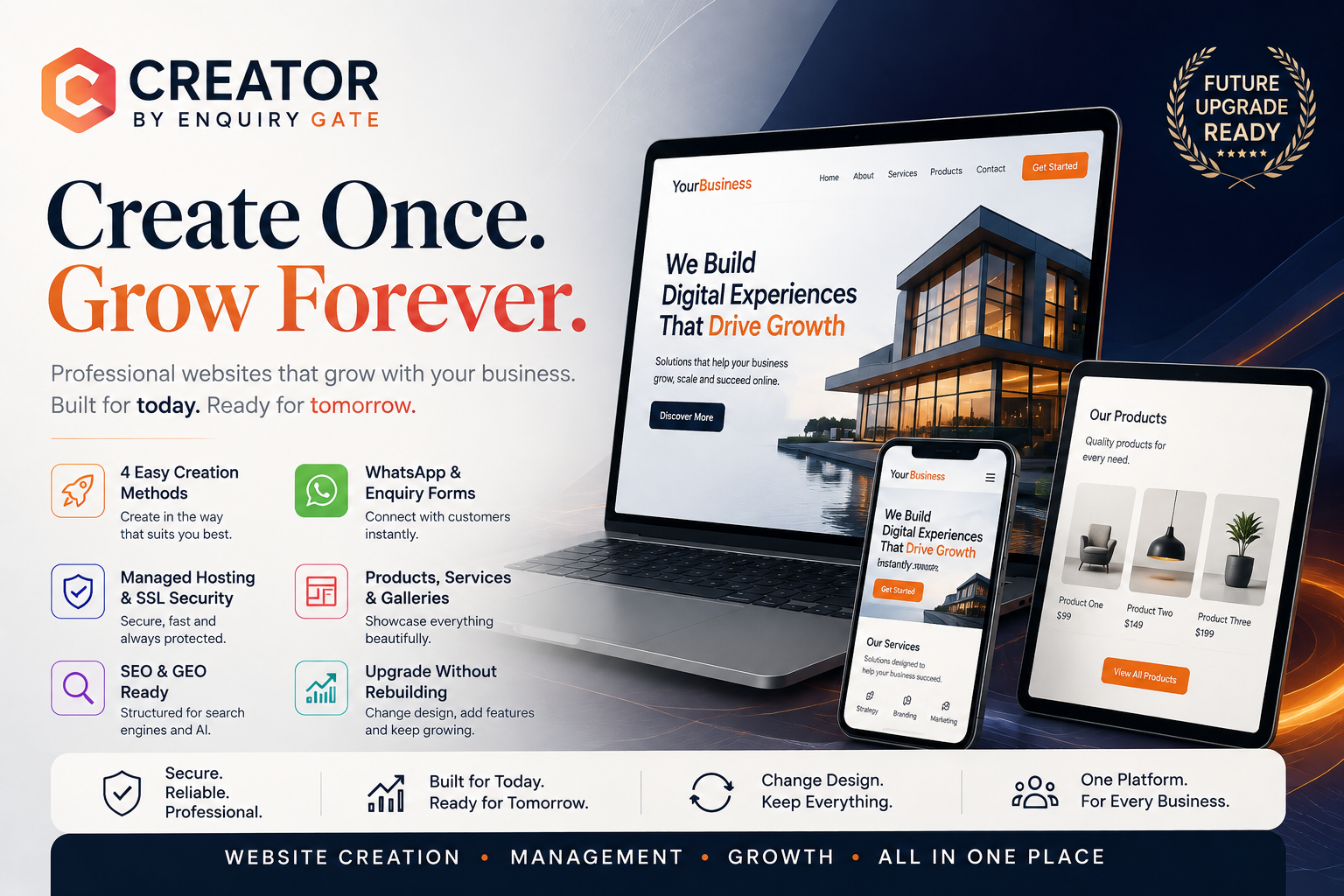
EnquiryGate Creator is a platform you can explore for creating a business website using available platform features and relevant business materials.
You can prepare your logo, photographs, service descriptions, brand colours, and other business details to help shape your website's presentation.
Before choosing a design or publishing your website, review the platform's available customization options and confirm that they support your needs.
Visit EnquiryGate Creator: https://creator.enquirygate.com/
The goal is to create a website that represents your business accurately while making it easy for visitors to understand your services and contact you.
11. Review and Improve Your Website Regularly
Your brand and business may evolve over time. New services, updated contact details, changing customer needs, and improved branding may require website updates.
Review your website regularly to check that:
Your logo and brand colours are consistent.
Your service information is accurate.
Your photographs are current and relevant.
Your contact details are correct.
Your pages work properly on mobile devices.
Your website links and forms function correctly.
Your content answers customer questions.
You can also review website analytics to understand which pages visitors use most often and where improvements may be needed.
Conclusion
Personalizing your business website helps communicate your brand identity, present your services clearly, and create a consistent experience for potential customers.
Start with your logo, colours, photographs, and business information. Then organize your homepage and service pages around your target audience's needs.
A professional website does not need to be complicated. It needs to represent your business accurately, remain easy to navigate, and provide useful information.
Ready to create your business website?
Explore EnquiryGate Creator and start planning a website that reflects your brand and supports your online presence.
Website: https://creator.enquirygate.com/