How to Grow Your Business with a Website, CRM, and Automation
Discover how combining website development, CRM software, and business automation can help you capture customer enquiries, manage leads, automate follow-ups, and improve business productivity. Learn how to build a smarter digital system for your growing business.
How to Grow Your Business with a Website, CRM, and Automation
Every growing business needs an effective way to attract customers, manage enquiries, and convert potential leads into sales. A professional website helps customers discover your business, but what happens after someone submits an enquiry?
If enquiries are managed manually through spreadsheets, emails, or scattered messages, opportunities can easily be missed.
This is where combining website development, CRM software, and business automation can make a difference.
Together, these tools can help businesses create a more organized digital workflow, improve customer communication, and manage growth more efficiently.
What Is a Business Website?
A business website is your online presence. It introduces your company, showcases your products or services, and gives potential customers a way to contact you.
A professional website can include:
Homepage and business information
Products and services pages
Contact forms and enquiry forms
Appointment booking
Product catalogues
Customer testimonials
Blog and SEO content
Online ordering and payment options
A well-designed website helps attract visitors and encourages them to take action.
However, generating enquiries is only the first step. Businesses also need a reliable process for managing those enquiries.
What Is CRM Software?
CRM stands for Customer Relationship Management.
A CRM system helps businesses organize customer information, track sales opportunities, manage follow-ups, and monitor interactions throughout the customer journey.
Common CRM features include:
Lead and contact management
Sales pipeline tracking
Follow-up reminders
Task assignment
Customer interaction history
Sales reporting
Team activity monitoring
Instead of keeping customer details in multiple places, a CRM provides a more centralized way to manage business relationships.
What Is Business Automation?
Business automation uses software and predefined workflows to perform repetitive tasks with less manual effort.
For example, when a customer submits an enquiry on your website, an automated workflow could:
Record the enquiry in your CRM.
Assign the lead to the appropriate team member.
Send an acknowledgement to the customer.
Create a follow-up reminder.
Notify the sales team.
Update the lead's status when the relevant action occurs.
The exact workflow depends on the tools and integrations your business uses.
Automation helps reduce repetitive administrative work, while your team remains responsible for important customer conversations and decisions.
How Do Website Development, CRM, and Automation Work Together?
These three components can form a connected business growth system.
Step 1: Attract Visitors Through Your Website
Your website introduces your business and helps potential customers discover your products or services through search engines, social media, referrals, and advertising.
Step 2: Convert Visitors into Enquiries
Clear calls to action, contact forms, demo requests, and booking options make it easier for visitors to express interest.
Step 3: Capture Leads in Your CRM
With the appropriate integration, website enquiries can be sent directly to your CRM, reducing the need for manual data entry.
Step 4: Automate Follow-Up Activities
Workflows can trigger notifications, reminders, acknowledgements, or task assignments when a new lead enters the system.
Step 5: Track the Sales Process
Your team can monitor leads, record interactions, and move opportunities through different sales stages.
Step 6: Measure Business Performance
Reports can help you understand enquiry volume, lead response activity, conversion rates, and other important business metrics.
This connected approach makes it easier to understand what happens from the first customer visit to the final sale.
Benefits of Connecting Your Website with a CRM
1. Better Lead Management
Customer enquiries can be organized in a centralized system rather than spread across spreadsheets, emails, and messages.
2. Faster Response Processes
Automated notifications and task assignments can help your team respond to new enquiries more consistently.
3. Fewer Missed Follow-Ups
CRM reminders and workflow triggers can help sales teams remember important next steps.
4. Improved Team Coordination
Lead assignments and shared customer records help team members understand who is handling each opportunity.
5. Better Visibility into Sales
A structured sales pipeline makes it easier to review the status of opportunities and identify leads that need attention.
6. More Efficient Business Operations
Automating repetitive administrative activities can free up time for customer service, sales conversations, and business development.
Example: How a Website Enquiry Becomes a Sales Opportunity
Imagine a software development company that receives enquiries through its website.
Previously, enquiries were sent to an email inbox. A team member had to copy each enquiry into a spreadsheet and manually remind the sales team to follow up.
With a connected website, CRM, and automation workflow, the process could look like this:
Website Visit → Enquiry Form → CRM Lead → Automated Notification → Sales Follow-Up → Opportunity Tracking
The system records the enquiry and alerts the responsible team member. The salesperson can then contact the prospect, understand their requirements, and update the opportunity status in the CRM.
This process helps create a more consistent approach to lead management.
Which Businesses Can Benefit from These Systems?
A connected website, CRM, and automation workflow can support many types of businesses.
Real Estate: Capture property enquiries, assign leads to agents, and schedule site-visit follow-ups.
Education: Manage course enquiries, admissions leads, and counselling appointments.
Healthcare: Organize appointment requests and relevant administrative communications, subject to appropriate privacy safeguards.
E-commerce: Connect customer enquiries with order support and customer service workflows.
Travel and Tourism: Manage tour enquiries, quotation requests, and booking follow-ups.
Software Companies: Capture demo requests, qualify prospects, and manage sales opportunities.
Professional Services: Track consultation requests, client communications, and potential projects.
The right setup depends on the size of your business, the number of enquiries you receive, and the complexity of your sales process.
How EnquiryGate Creator Fits Into Your Digital Strategy
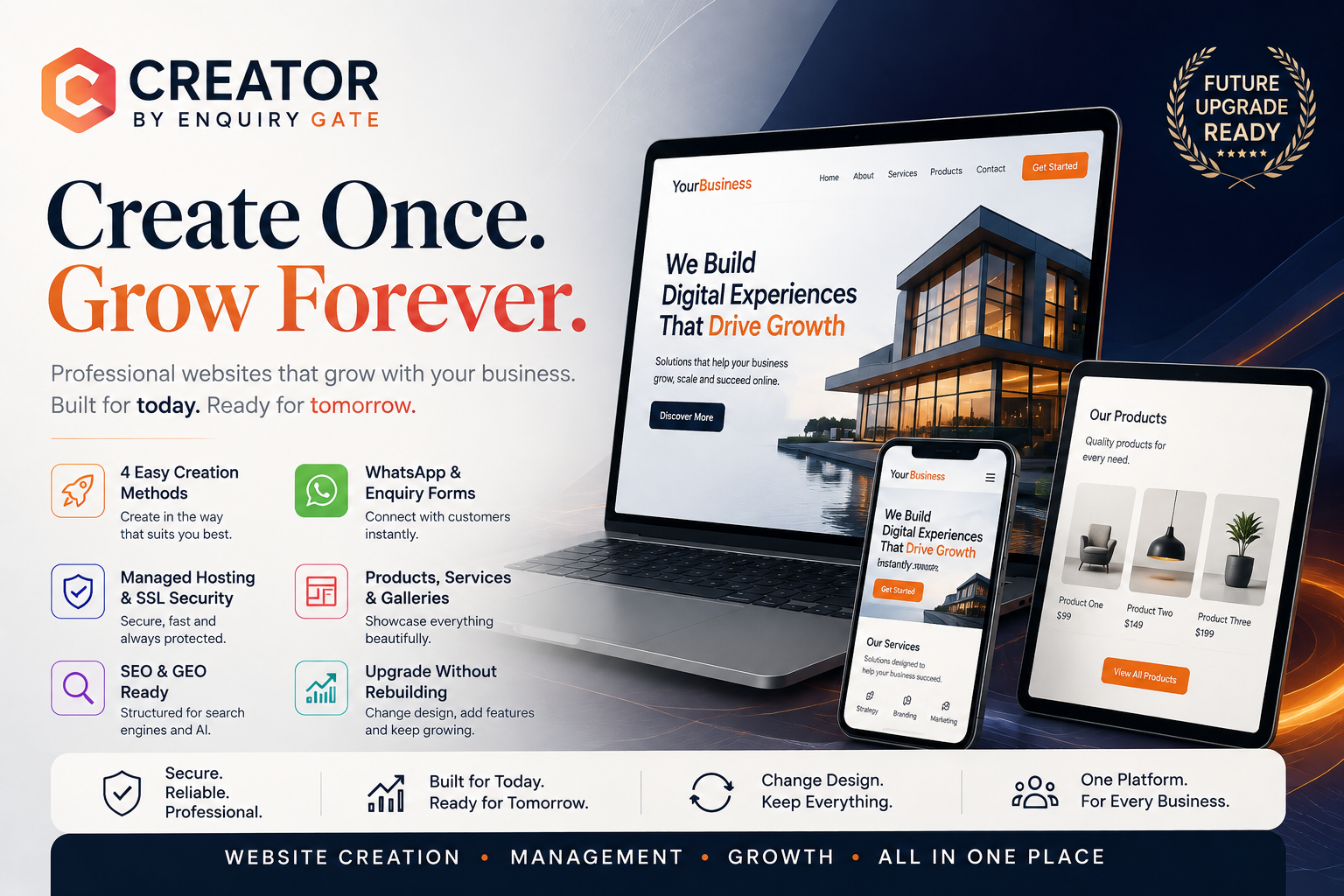
EnquiryGate Creator helps businesses create and manage their online presence through its website creation platform.
A business can use its website to present services, publish useful content, and provide customers with enquiry options.
For a more advanced business workflow, a website may also be connected to a suitable CRM or automation platform through supported integrations or APIs.
Before implementation, confirm the specific integrations and capabilities available for your chosen setup. Website creation, CRM functionality, and business automation may involve separate products or services.
Explore EnquiryGate Creator:
https://creator.enquirygate.com/
Important Things to Consider Before Automating Your Business
Before connecting your website with CRM and automation tools, plan your workflow carefully.
Define how enquiries should enter the system.
Decide which team members should receive each lead.
Establish clear follow-up responsibilities.
Choose suitable CRM software.
Confirm available integrations and API requirements.
Protect customer data with appropriate access controls.
Test workflows before using them in daily operations.
Review performance and improve the process over time.
Automation works best when the underlying business process is clear and well organized.
Conclusion
A professional website helps people discover your business. CRM software helps you manage customer relationships, while automation can reduce repetitive tasks and support timely follow-ups.
When these components work together, businesses can build a more organized process for capturing enquiries, managing opportunities, and improving customer communication.
You don't need to automate everything at once. Start with your most important business workflow, measure the results, and expand as your requirements grow.
Build your website. Organize your leads. Automate repetitive tasks. Create a smarter system for business growth.
Explore EnquiryGate Creator and take the next step toward strengthening your digital presence.
Website: https://creator.enquirygate.com/